 01
01Farm machinery and implement register
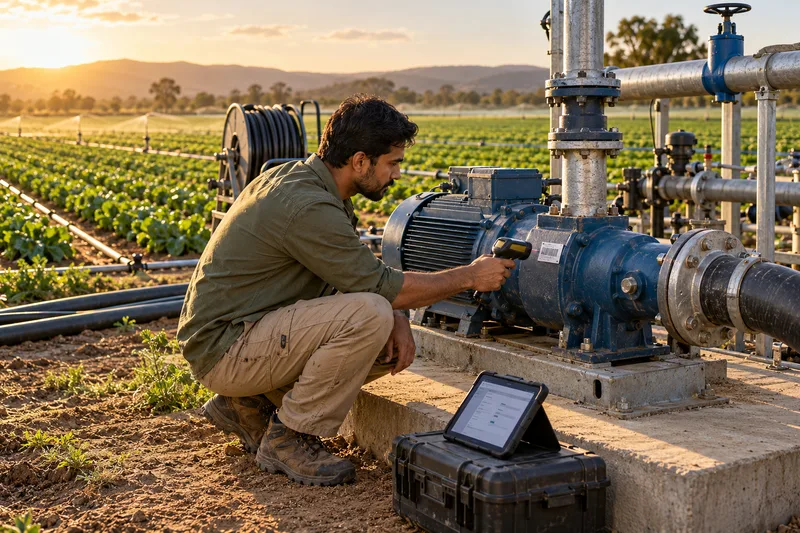
Farm equipment tracking software keeps tractors, implements and pumps in one register, so teams can check the last recorded location, condition and responsible person.
Explore the machinery register Canada
 USA
USA
 UAE
UAE
 India
India
 UK
UK
Know where farm equipment was last recorded, who has it and when it needs servicing. Manage machinery across farms, fields and sheds, with offline capture for field teams.
 Farm machineryLivestock IDInput records01
Farm equipment tracking software keeps tractors, implements and pumps in one register, so teams can check the last recorded location, condition and responsible person.
Explore the machinery register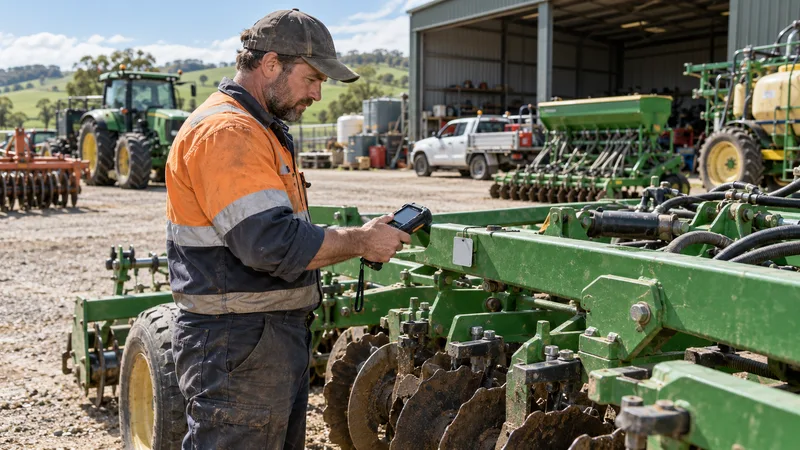 02
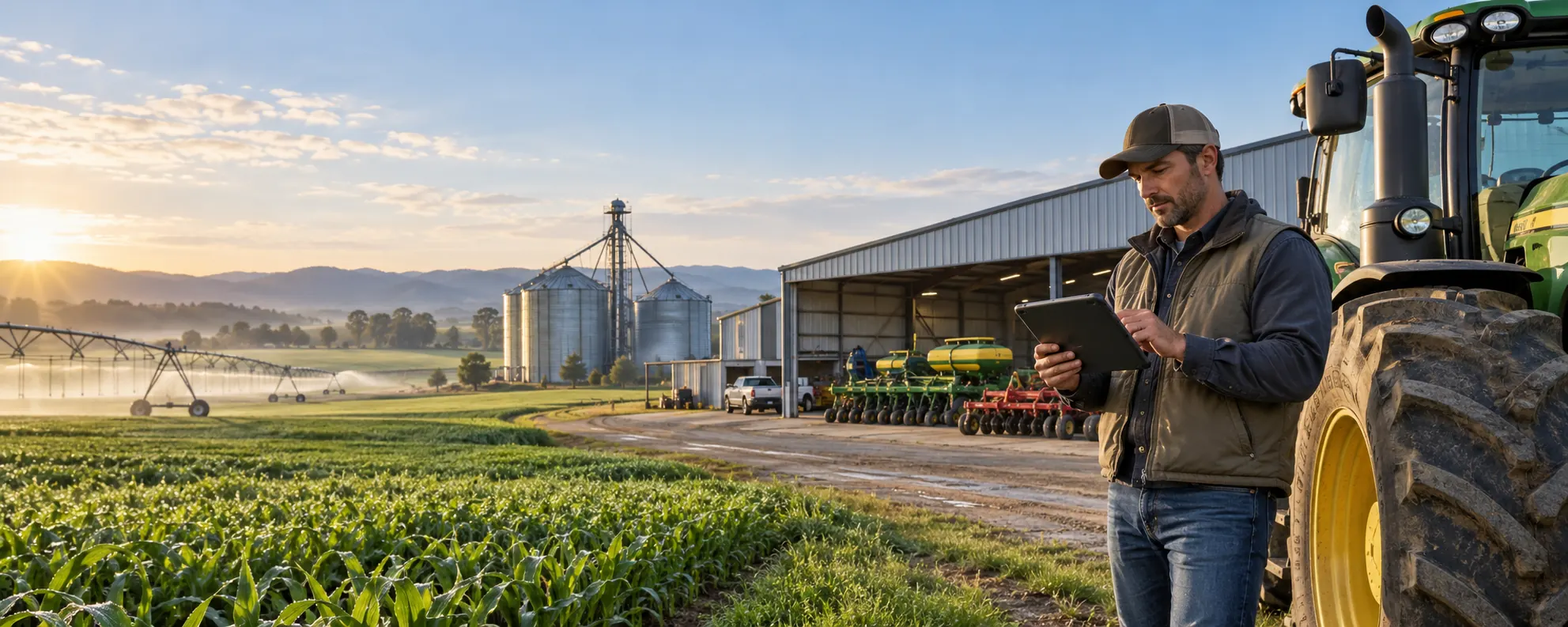
02Agricultural machinery maintenance software keeps service dates and repair history with each asset, helping teams plan servicing before the next busy season.
Explore maintenance tracking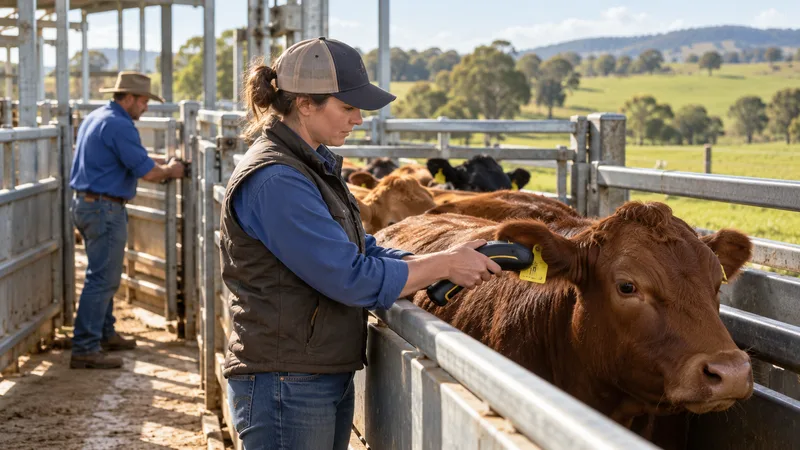 03
03For a configured livestock setup, link compatible ear tags to animal records for RFID cattle identification and movement recording.
Explore livestock identificationA tractor moves to another farm, a pump stays in a distant shed and an implement changes crews. Without shared records, finding the right equipment means calls and guesswork.
Service dates and repair notes sit in separate files or notebooks. Teams struggle to see what was done and which machine needs attention next.
Copying ear-tag numbers and movement details by hand takes time. Separate lists make it harder to match each animal to the right record.
Tools and equipment change hands during busy periods. Without issue and return records, it is difficult to know who has them or what condition they came back in.
AssetSeal’s farm asset management software brings equipment, service and handover records together across your farms.
Check which property holds an implement, who is responsible for it and its recorded condition before assigning it to the next job.
Review service dates and past repairs to see which tractor or pump needs attention. Keep its recorded condition and status alongside the maintenance history.
Agree animal record fields and compatible readers at setup, so scanned ear-tag IDs connect to the right livestock records.
Offline farm equipment tracking saves scans and updates in enabled mobile tasks, then synchronizes them after reconnection.
Record equipment issued to seasonal crews, then check its return and condition. Keep each handover linked to the responsible person.
See recorded assets across farms, fields, sheds and depots in one place. Check another property’s equipment records before planning a transfer.
Tag machinery, implements and pumps with barcode or RFID labels suited to their surfaces and environment. For livestock, agree compatible ear tags and readers during setup.
Scan equipment with smartphones or rugged handhelds in the yard, shed or field. Enabled offline tasks save activity until coverage returns. For configured livestock records, use compatible readers to capture ear-tag IDs during animal handling.
Compare scanned equipment with the expected register for each property. Flag items that are missing, recorded elsewhere or not returned.
Pass service, return or transfer tasks to the responsible team, so each discrepancy has a clear next step.
Clearer maintenance planningCheck service dates and repair notes together before assigning equipment to the next job.
Faster livestock identificationMatch a scanned ear-tag ID to its animal record in your configured livestock workflow.
More accountable seasonal handoversSee who received equipment, whether it came back and what condition was recorded on return.
Centralized multi-property visibilityCheck the last recorded location of equipment across your properties before arranging a transfer.
Scan tagged equipment in fields, yards and sheds using devices chosen for your farm tasks.
02Select compatible readers for your configured animal-handling workflow.
03Choose barcode or RFID tags suited to metal surfaces, dirt, moisture and outdoor exposure, with fit checked during setup.
Yes. Equipment records can sit in one system. Livestock records require agreed animal fields and compatible tags and readers. Confirm movement, treatment and input-record requirements during setup.
Enabled mobile tasks save scans and updates on the device while offline, then synchronize when it reconnects. Agree which field tasks need offline capture during setup; shared records update after synchronization.
Yes. Organize equipment by farm, field, shed or depot. Authorized users can check recorded locations, condition and responsibility across properties when planning equipment use or transfers.
Start with your properties, equipment categories and daily tasks. The team reviews surfaces, outdoor conditions, reader compatibility and offline needs, then recommends tags and demonstrates a farm workflow.
Yes. Keep service schedules and repair history with each tractor, pump or implement. Review those records alongside the asset’s location, condition and status to plan servicing and equipment assignments.
Bring a real farm task: finding an implement, checking service dates or recording a seasonal crew’s return. We will show how AssetSeal handles the records, tags and scanning steps. If livestock is in scope, we will review the animal fields and reader compatibility your setup needs.
We review your farms, equipment and everyday tasks.
We match tags, readers and field tasks to your needs.
We walk through a farm task using the proposed setup.
